
Screen recorder and live streaming for Mac and Windows Your phone is
the webcam.
Record your screen and face, go live on YouTube or Twitch, and share a link for every take. It zooms where you click.
Not ready to share your email?

Tycho's new star
Seen on 11 November 1572, as bright as Venus, in a sky everyone believed never changed.
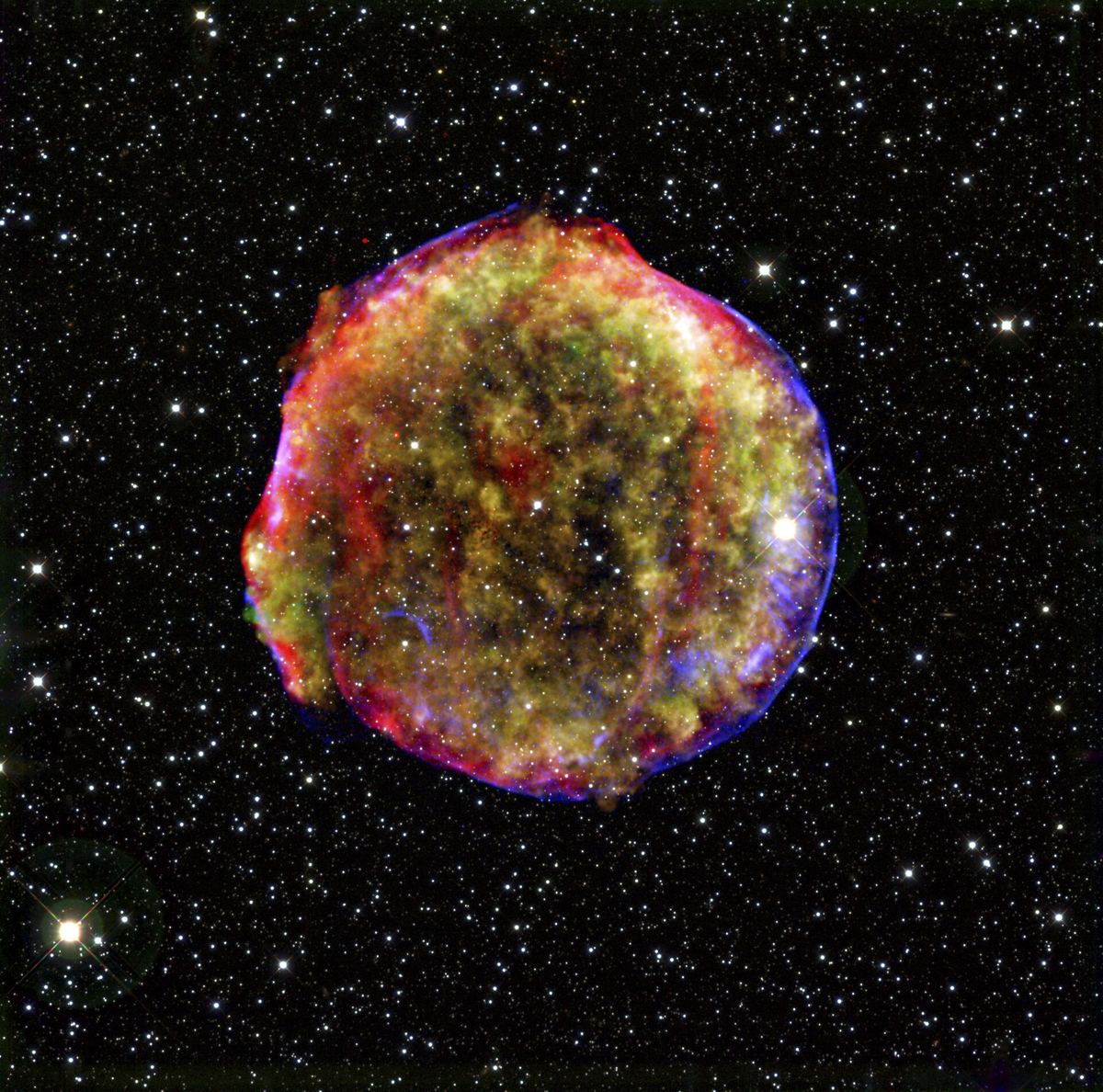
The same star today
What is left of it, in X-ray and infrared light from NASA's Chandra and Spitzer.
Your phone is the camera
No webcam? Use your phone as one: click Add phone camera, scan the code and put your phone down. Its camera becomes the bubble on your recording or your live stream. Nothing to install on the phone, and no cable.
- Record with it, or go live with it
- A round bubble, or a rectangle
- If the phone locks, the camera picks up again when you unlock it
720p on Free, Full HD on Pro.
Go live with anything
Stream your game, react to a video, or teach a class, with your camera on top. To YouTube, Twitch, Facebook, LinkedIn or any RTMP server, at up to 1080p, and 60 fps when the picture moves fast. Going live, step by step

Your game window, your face in the corner, and your desktop sound. Pick 60 fps in the stream quality panel when the game moves fast.
Move the camera, mid-take
Drag the bubble anywhere, change its size with one click, or give it the whole screen, while you record or while you stream.
- Your recording keeps every move
- Live, your viewers see each move as you make it
- The control bar never shows up in either
Every track, for your editor
When a take needs real editing, download it as separate files and finish it in Premiere Pro, Final Cut Pro, DaVinci Resolve or any editor that opens MP4 and WAV.
- Screen and camera as H.264 MP4, at a steady 30 fps
- Microphone and system audio as uncompressed WAV
- Every file starts at zero and stays in sync, end to end
Separate tracks come with Pro. About the files
One flow, start to share
Entire screenFirst you pick the screen, camera and mic.
00:42Then you run the take from one bar.
03:18Mapping the new star
Then you trim it, without losing a frame.
03:18Mapping the new star
Then anyone watches, on any screen.
It zooms where you click
On a Mac it zooms in where you click, on Windows where your cursor settles, and it follows you from there. Automatic on every plan, and on Pro you can fine-tune each zoom. More on recording
A link that just plays
Upload a take and copy its link. Anyone can watch it on any screen, with no sign-in, and it's loud enough for a phone's own speaker. Share links come with Pro.
Every take, handled
Cursor zoom
Zooms where you click on a Mac, and where your cursor settles on Windows. Every zoom stays editable.
Zoom depth
Choose how close each zoom goes.
Loud enough for phones
Every shared file is levelled, so a phone's own speaker carries it.
Go live
YouTube, Twitch, Facebook, LinkedIn or any RTMP server.
Mac and Windows
Apple silicon, Intel, and Windows 10 or later.
Trim and cut
Take out the stumbles. The original recording stays untouched, so every edit can be undone.
Links that just play
No sign-in to watch, on any screen.
Every track, separately
Download screen, camera and audio as separate files for your own editor.
Questions
What is Floonova?
Floonova is a desktop app for Mac and Windows that records your screen and camera, streams live to YouTube, Twitch, Facebook, LinkedIn or any RTMP server, and turns any take into a link that plays in any browser.
Can I use my phone as a webcam?
Yes. Click Add phone camera and scan the code with your phone: its camera becomes the camera on your recording or live stream. Nothing to install on the phone, and no cable. 720p on Free, Full HD on Pro. More on phone as webcam
Does it work on Mac and Windows?
Yes: Macs with Apple silicon or an Intel chip, and Windows 10 or later.
Is Floonova free?
It's free while in beta. After that, recording and live streaming in Full HD, with no time limit and no watermark, stay free. Pro is $8 a month billed yearly, or $12 month to month, and adds 4K, share links, your logo and separate tracks. See pricing
Can I stream to YouTube and Twitch?
Yes, and to Facebook, LinkedIn or any RTMP server, at up to 1080p, and 60 fps when the picture moves fast. Going live, step by step
Can I edit recordings in Premiere Pro, Final Cut Pro or DaVinci Resolve?
Yes. Download any take as separate files, screen and camera as H.264 MP4 and the microphone and system audio as WAV, which start at zero and stay in sync. Separate tracks come with Pro. More on separate tracks
How is Floonova different from OBS Studio?
OBS Studio is free, open source and built around scenes you set up yourself, which makes it right for big productions. Floonova is for starting in a minute: pick a screen, a camera and a mic, with your phone as the camera if you like, zooms where you click, and share links built in. Floonova vs OBS Studio
How is Floonova different from Loom?
Loom is built for short video messages in a team workspace, and its free plan stops at 5 minutes per video, at up to 720p. Floonova records in Full HD with no time limit on Free, streams live to YouTube and Twitch, and uses your phone as the camera. Floonova vs Loom
Flow, and a new star
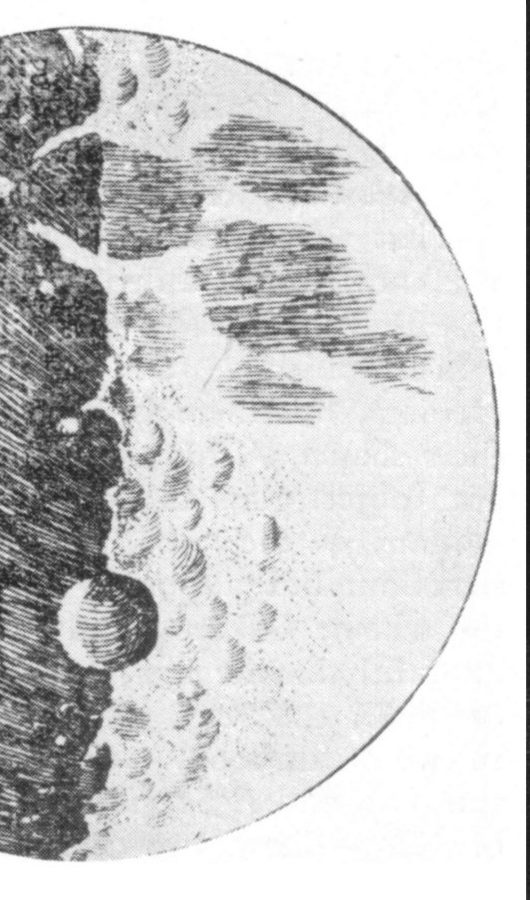
In 1572 Tycho Brahe saw a star appear in Cassiopeia where none had been, and wrote a book about it: De nova stella, on the new star. Floonova is that, with flow: your work, moving from your screen to everyone who needs to see it.
The footage is NASA's Chandra watching what is left of Tycho's star, still expanding, from 2000 to 2015.

Start your
first take
Floonova is launching soon for Mac and Windows. It installs in a minute, opens on its own and keeps itself up to date.